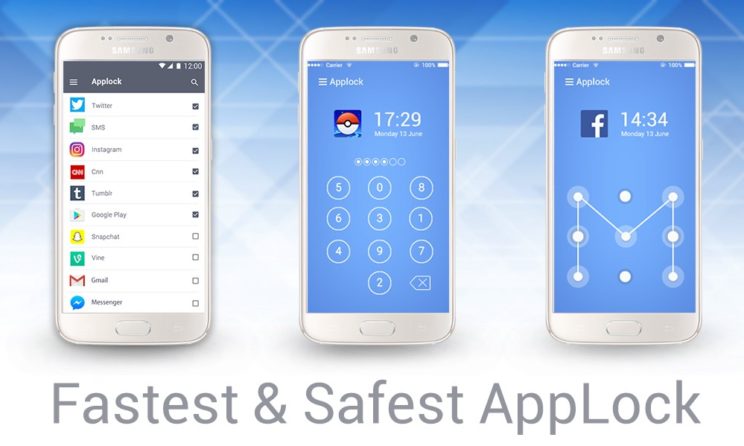
Best Applock Apps Of 2019: Privacy is one of the biggest concern of most smartphone users. No one actually wants to share their personal chats or images with friends or family. So how to stop people from checking out your WhatsApp messages and other picture from the galleries. Using screen lock is a possible option, however, Airtel not really effective because sometimes parents might need your phone to call and then they might check out your WhatsApp messages. Hence, an additional lock is favorable. This is why we have come up with the list of best Applock apps of 2019.
Best Applock Apps Of 2019
1. AppLock by DoMobile
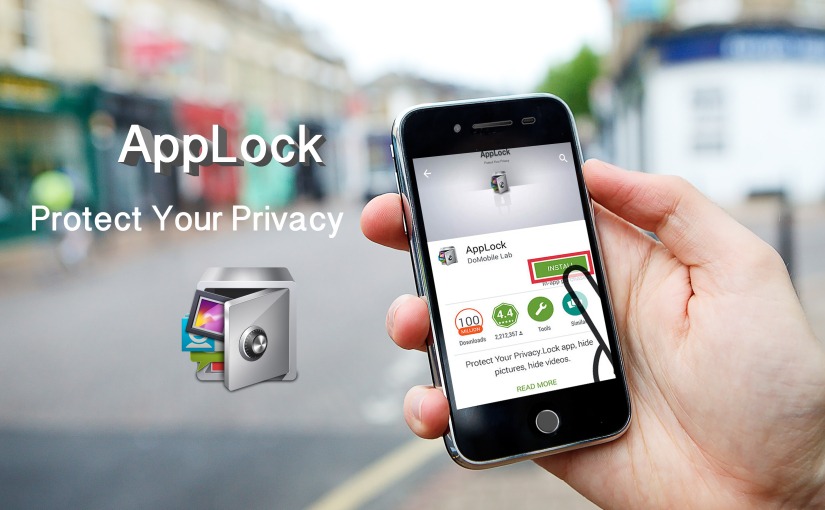
AppLock is one of the most famous applock apps of all time. As the name suggests, Airtel is a full-time App locker which helps you to protect different applications by enabling a secondary lock. Users can set up a secondary lock which will be different from the screen lock. The best part about the application is that it allows you to enable the lock on all the applications that you want. Moreover, users can also select the type of lock that they want. For instance, you can select pin, pattern or even password lock. The application is completely free to download and is available for both Android and IOS devices.
2. Applock fingerprint pro

This is another great AppLocker available for both Android and IOS devices. It has a lot of new features which enables lock on all the applications that the user wants. Moreover, it allows fingerprint lock on all the applications. The fingerprint is directly stood with the standard sensor available on your device. Moreover, it also offers a standard pattern and pin lock if you don’t have a fingerprint sensor. Hence, it is a great choice as an applock app. Consider downloading it for free directly from the Play Store.
3. AppLocker
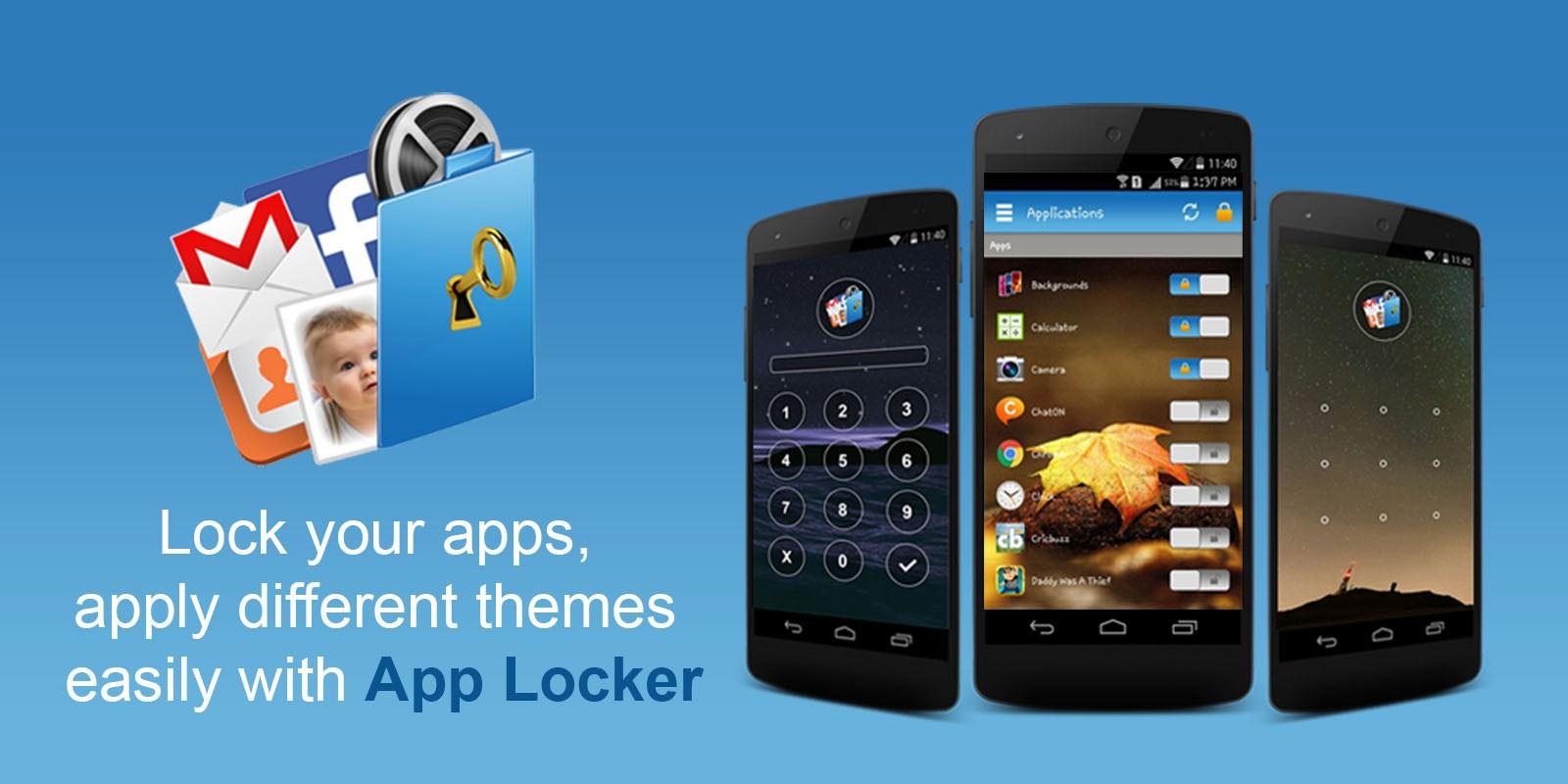
This is another application which will help you in securing WhatsApp and other applications installed on your device. Just like other Applock apps, Airtel due to setup dedicated lockers for specified applications only. Moreover, users can enable fingerprint or standard pattern and pin lock. Besides, the application will also help you to customize the lock background. However, you will have to pay a one-time fifteen order to get this feature. It will cost you $2.99. However, you can download and enjoy the standard features for free without the need of paying anything.
4. Norton App Lock
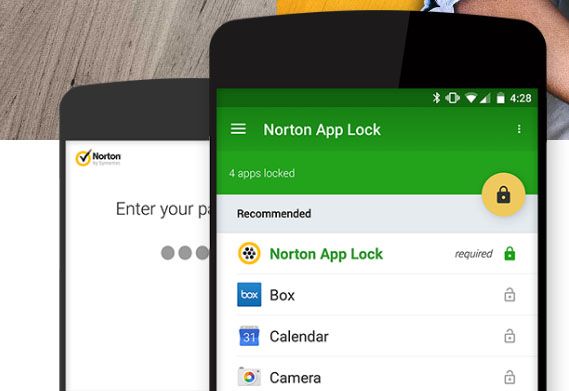
It is similar to other Applock apps. The application is highly rated on the Google Play Store and is used by millions of users across the world. The application has all the standard features that are found on the other apps. There are some additional security features which help the user to prevent deletion of an application from the smartphone without his or her consent. Moreover, users can also enable a lock on the settings of the smartphone so that no one can access or change the device settings. It is absolutely free to use and can be downloaded directly from the Play Store.
5. Smart Applock
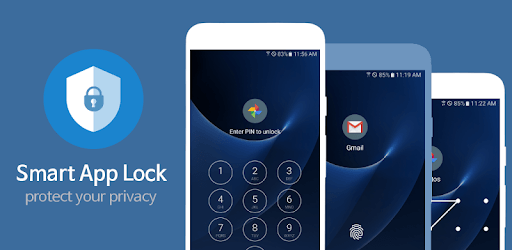
This is another great application which will secure your privacy. It has the standard features which are found on all other Applock apps. We have listed this up among our list of best app lockers the cause of the high rate and that it has achieved on the Google Play Store. Therefore, users can give the smartphone to the parents or friends for calling without compromising on the security. No one can access the gallery or any other application like WhatsApp if you have enabled the lock. It is free to download and use and is available on the Google Play Store.